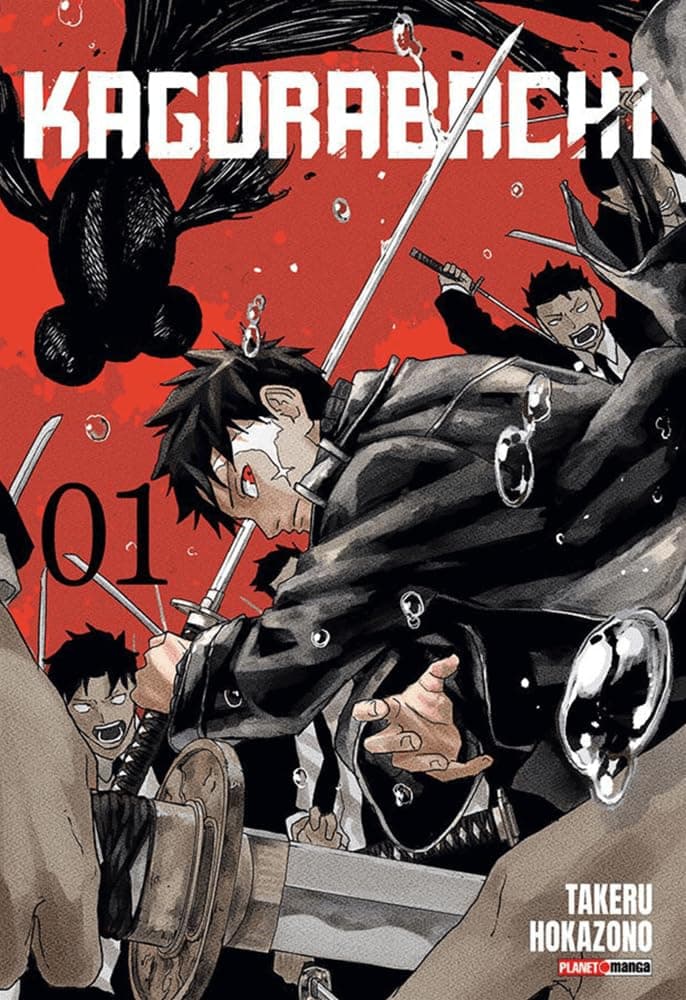
ActionFast fights
 Kiwi Manga
Kiwi Manga brings discovery, a focused AMOLED reader, personal shelves, offline chapters, and account sync into one Android app.
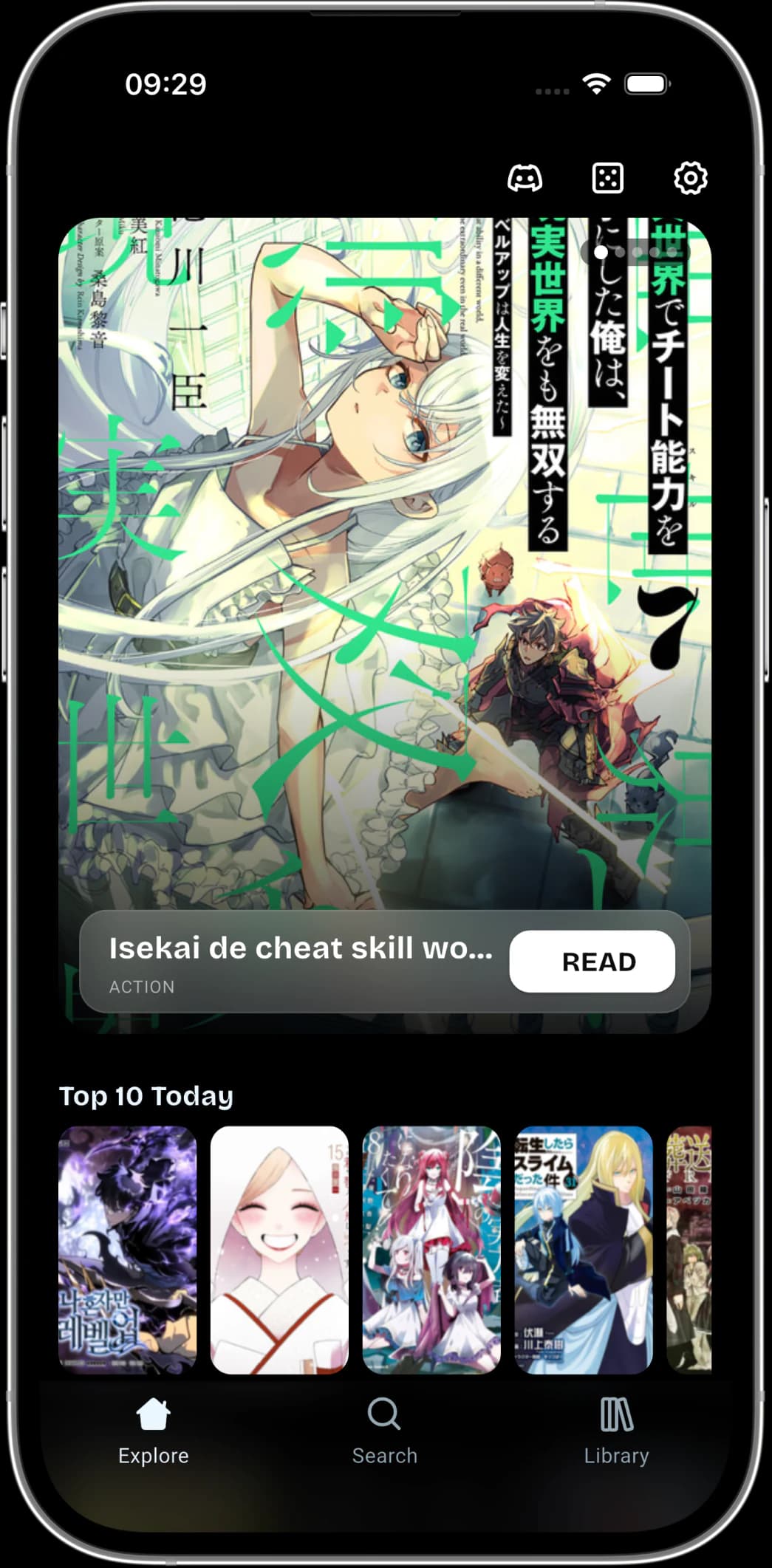
Kiwi Manga should feel closer to browsing a streaming queue than filling out a database form: quick rows, visible moods, and covers that make choosing the next chapter feel immediate.
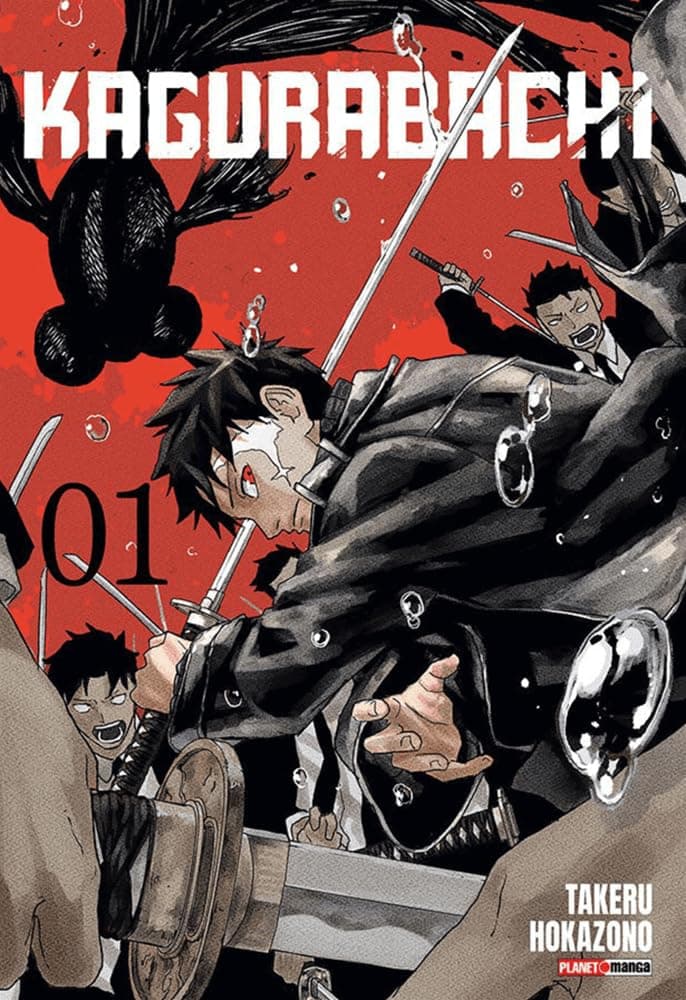






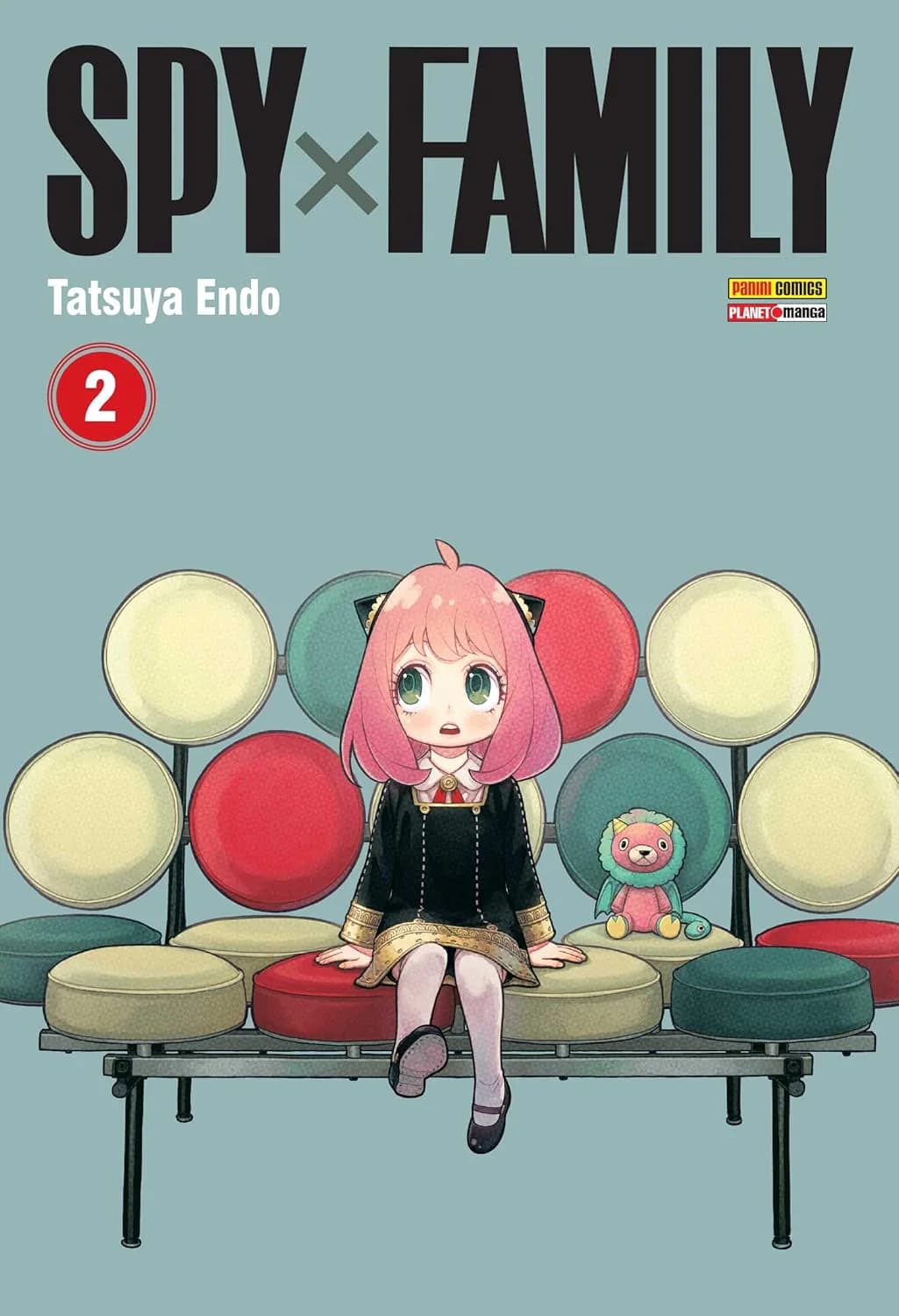



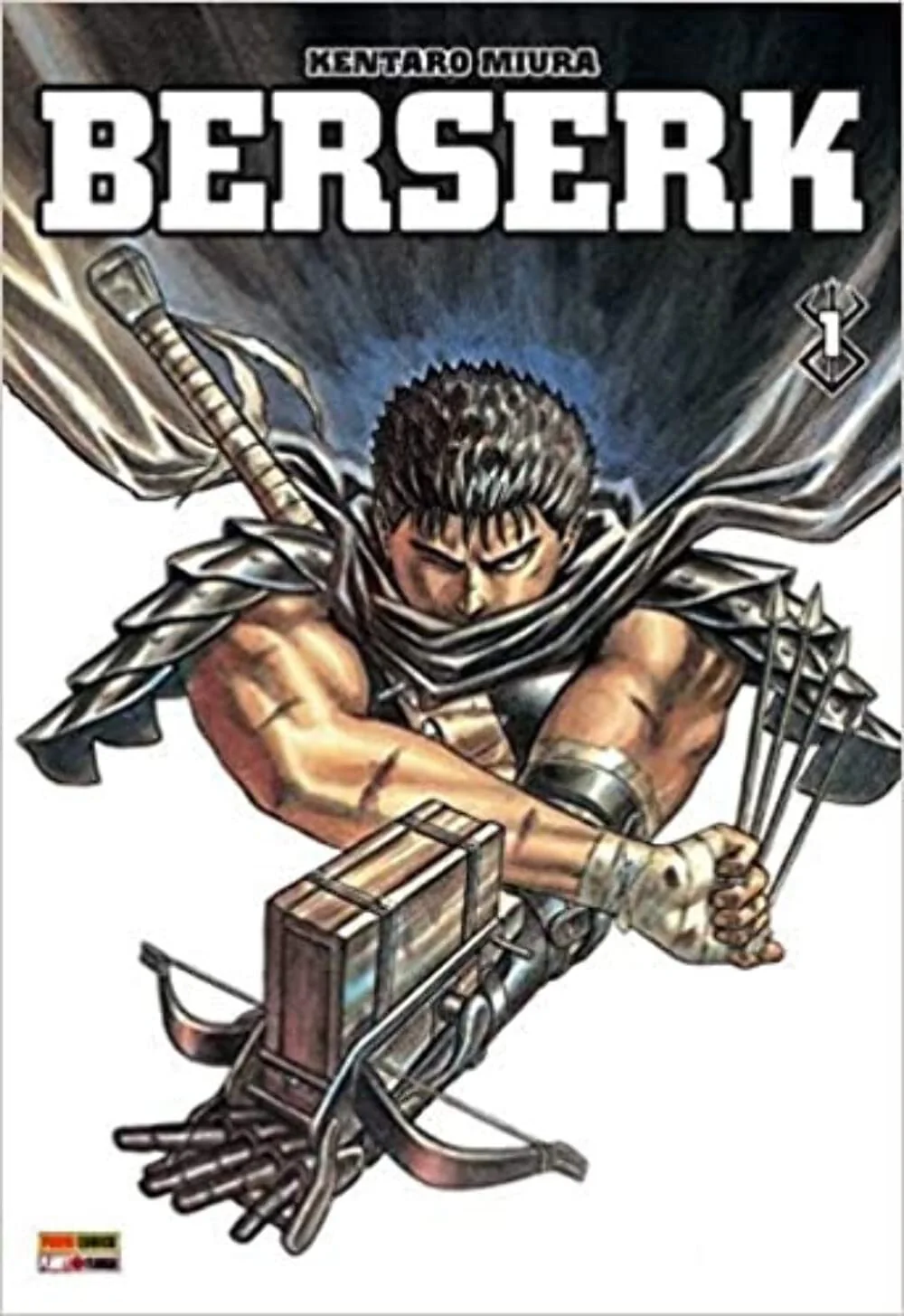
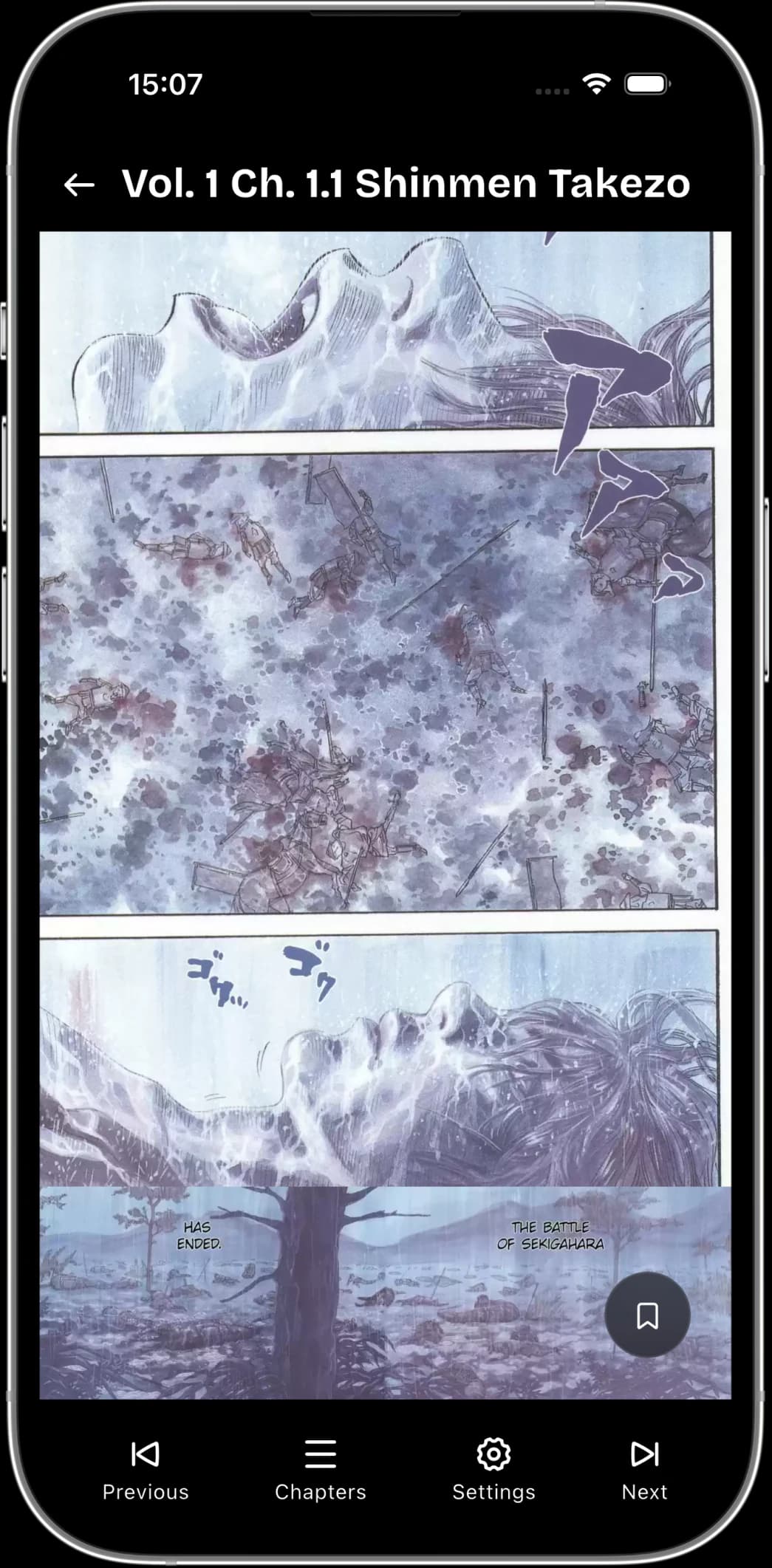
The reader keeps the page dominant, the controls near, and the comfort settings practical enough to use every night.
Keep the exact moment you want to revisit.
Queue reading before you lose connection.
See what genres and sessions keep pulling you back.
Favorites, collections, history, and downloads should feel like one living shelf instead of separate utility screens.
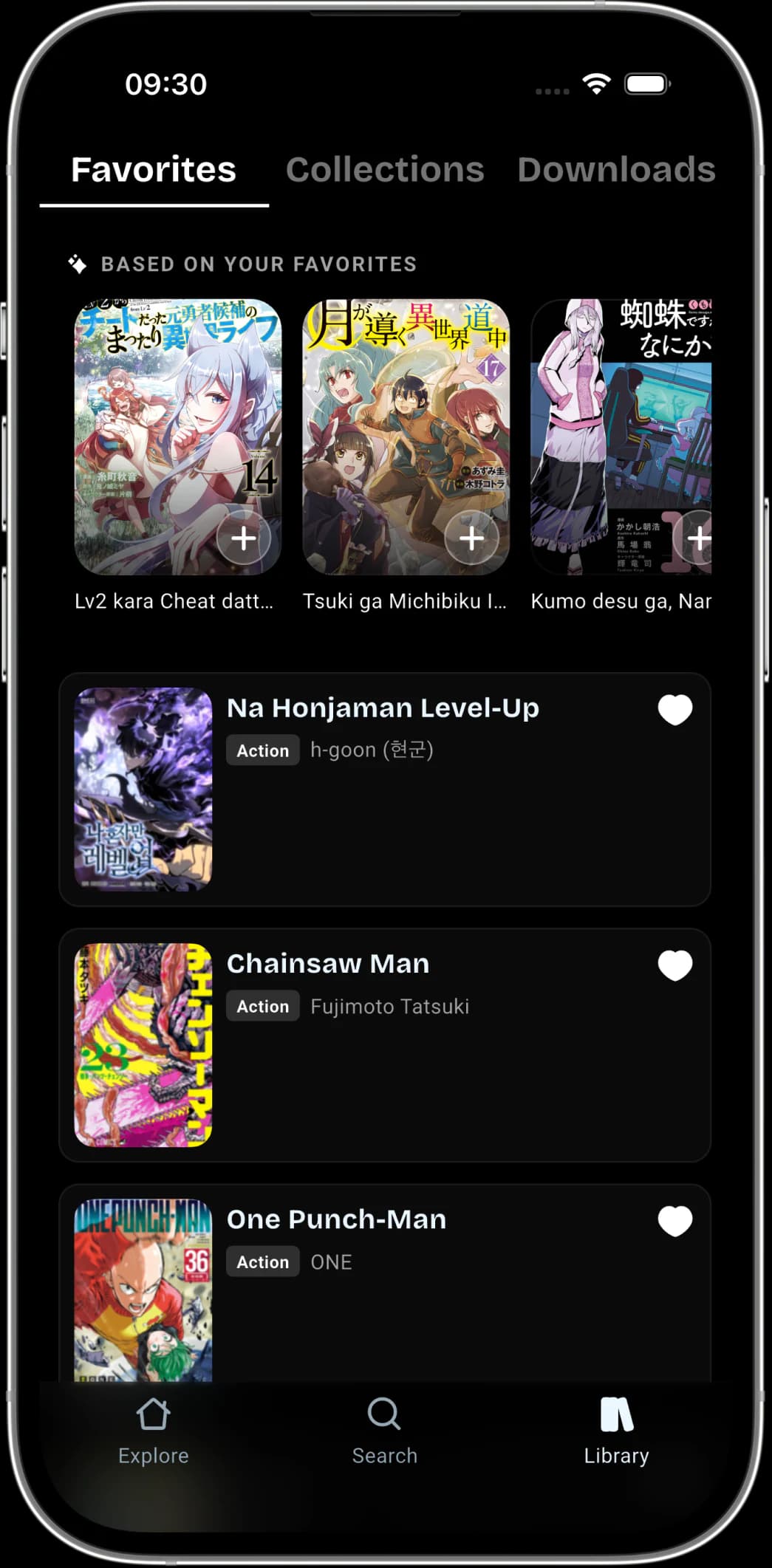
Keep the series that hit close to the surface.
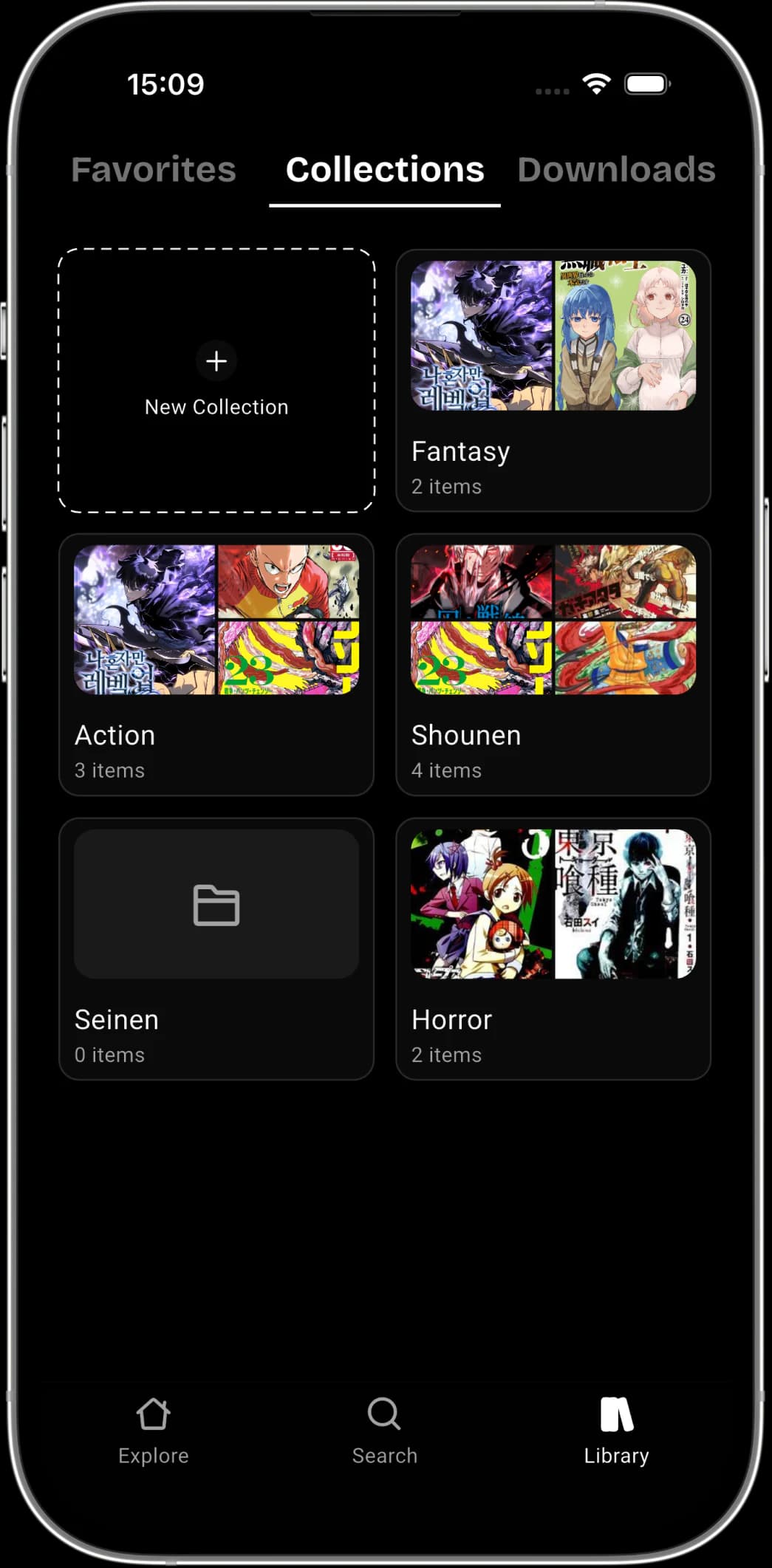
Build shelves by arc, mood, genre, or obsession.
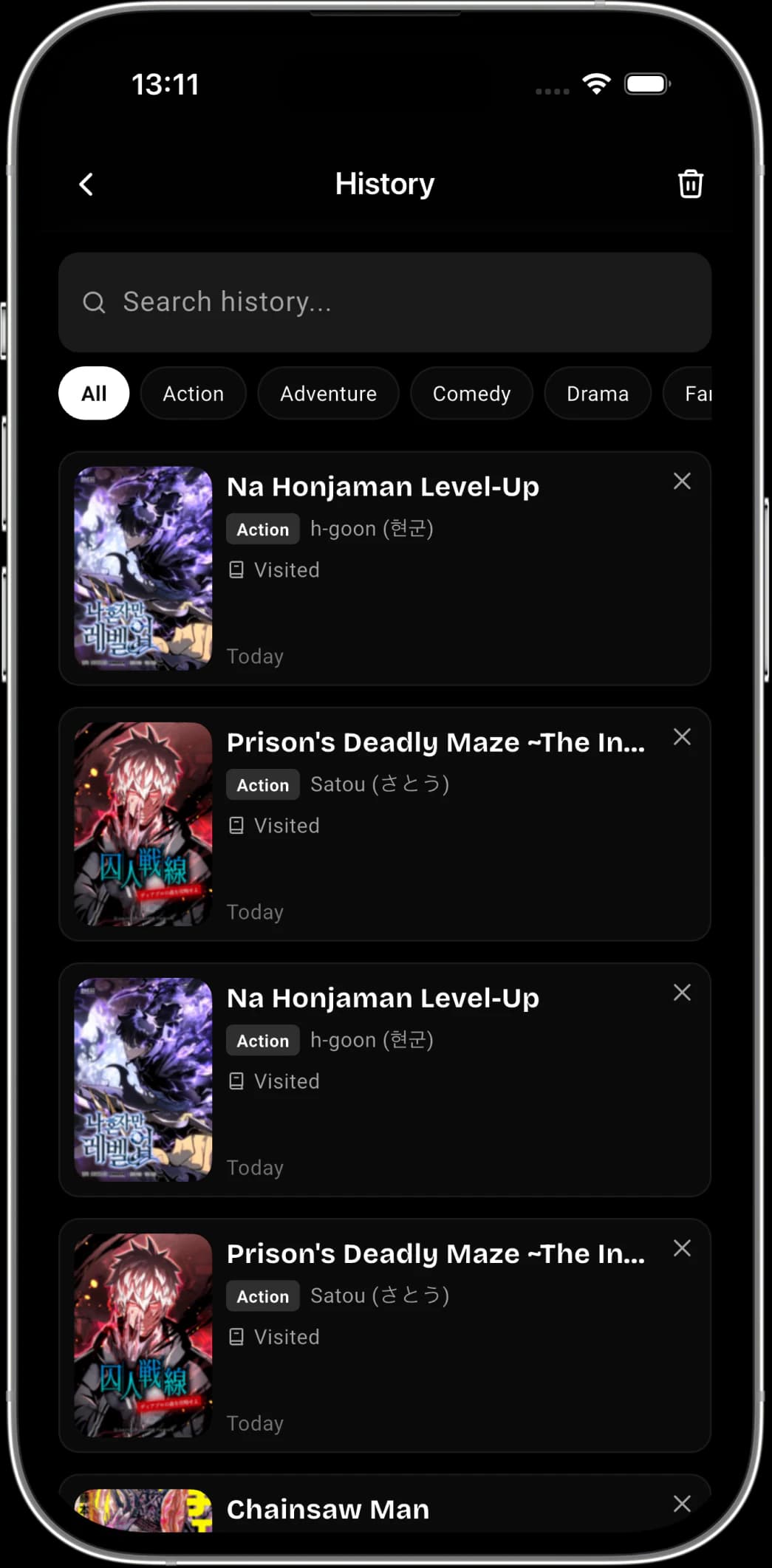
Return to the manga you drifted away from.
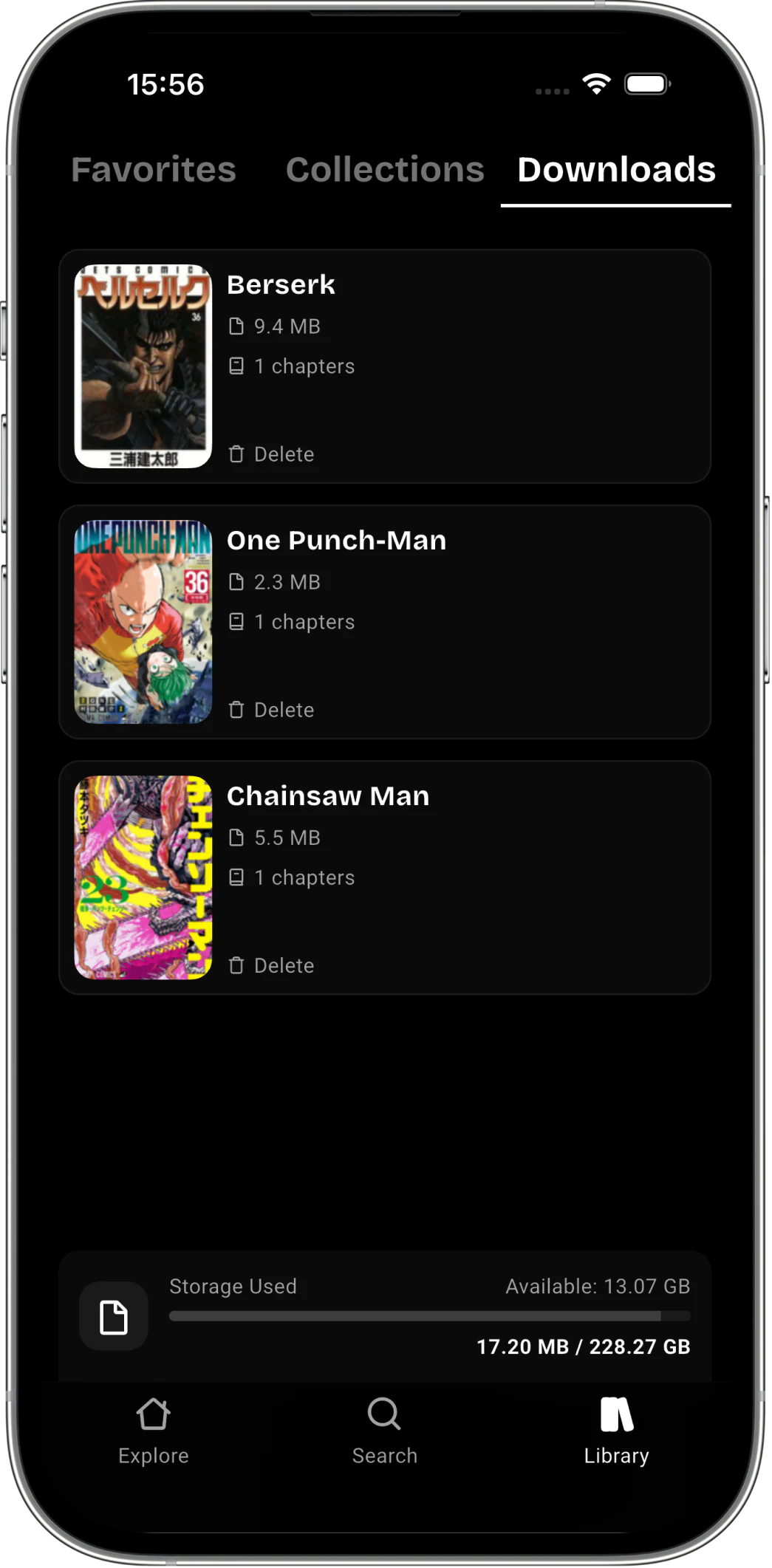
Keep chapters ready for offline reading.
Sign in once and Kiwi Manga keeps the important parts of your setup connected: saves, progress, bookmarks, preferences, and stats.
Install the Android app, choose a theme, discover new titles, save favorites, and keep your progress close.